How to add makeup to a photo on iPhone
Add lipstick, blush, eyeliner, eyeshadow, foundation, contouring and more to a photo with the Makeup tools in Expression Editor - Reshot AI.
Open the photo in Expression Editor - Reshot AI, go to Face Studio and choose Makeup. Pick a tool such as Lipstick or Blush, choose a color, and move the slider to set how strong it is. Apply it to one person or to everyone in the photo.
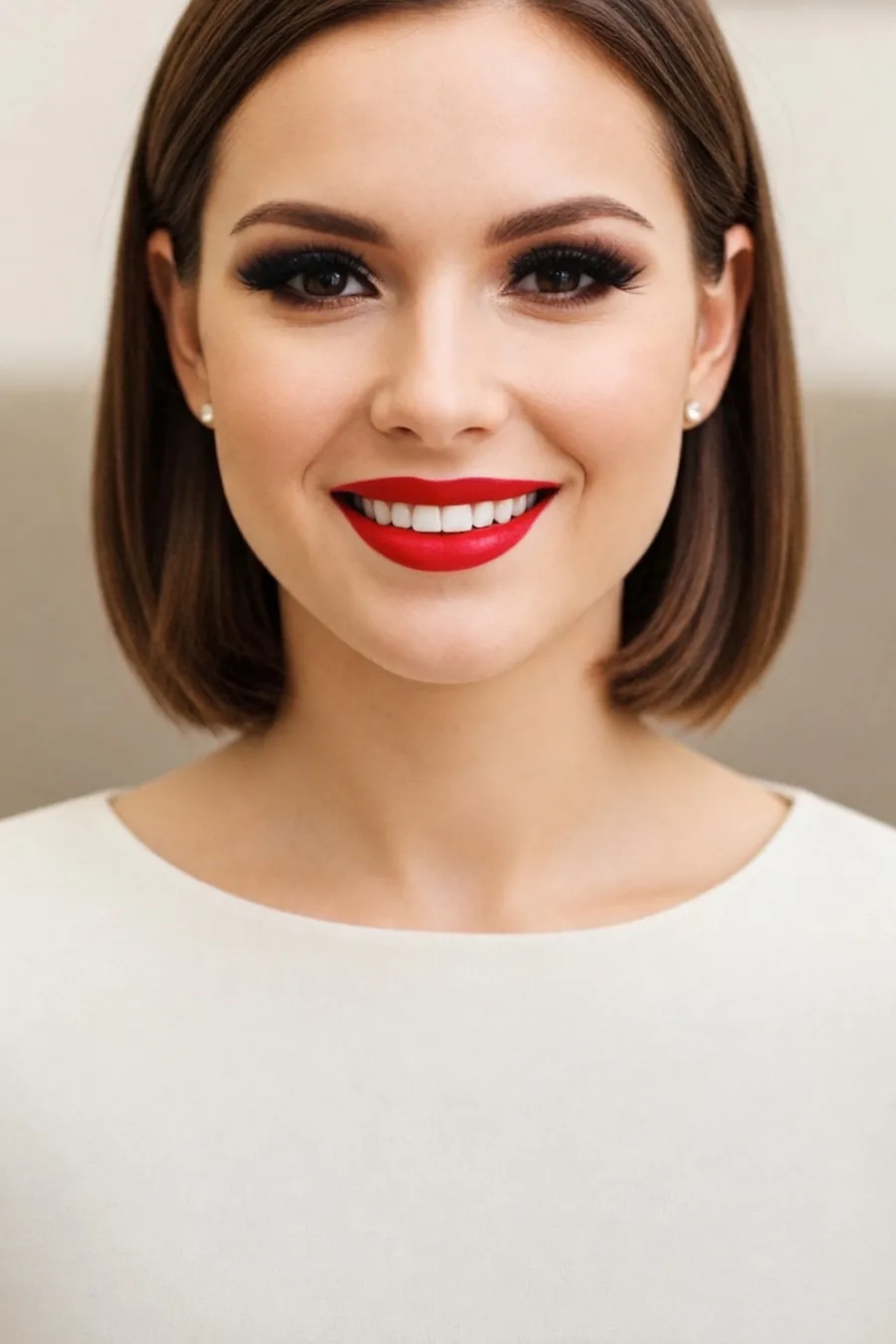
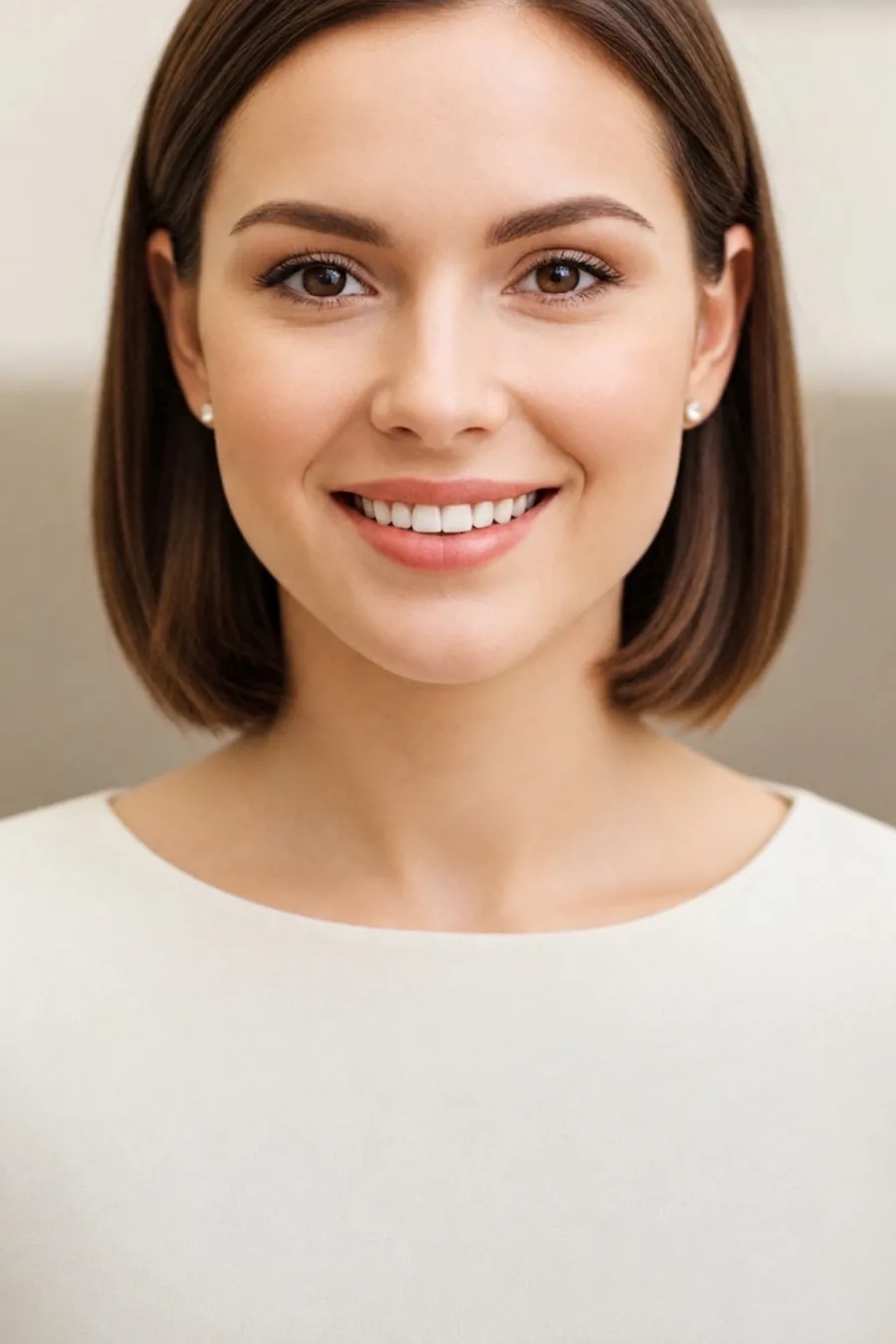
The makeup tools
Face Studio has ten makeup tools: Lipstick, Blush, Eyeliner, Eyeshadow, Foundation, Contouring, Highlighter, Cat Eye, Glass Skin and Tan. Tools with a color show a row of swatches above the slider. The slider sets the strength, from off to full.
The Features row adds a few more looks that sit between makeup and retouching: Long Lashes, Thick Brows, Fuller Lips, Brighter Eyes, White Teeth, No Eye Bags and Freckles.
Build a look in order
Makeup artists work from skin to details, and the same order works in a photo:
- Foundation or Glass Skin to even the base.
- Contouring and Highlighter for shape.
- Blush for color.
- Eyeshadow, Eyeliner or Cat Eye, and Long Lashes.
- Lipstick last, so you can match it to everything else.
Everyone at once, or one person
Makeup can go to the person you tapped or to everyone in the photo at once. Everyone at once is handy for a matching look in a group shot. For different looks, tap each person and edit them one by one.
Keep it believable
- Lower the strength until the color looks like it belongs to the light in the photo.
- Check teeth and the edges of the lips after Lipstick, and use the eraser if color went over the line.
- Use Highlighter less in photos that already have shine; Face Retouch can remove shine first.
Step by step
Open the photo
In Expression Editor - Reshot AI, open Face Studio and pick a photo.
Choose Makeup
Tap the person, or choose everyone in the photo.
Pick a tool and a color
For example Lipstick, then a swatch.
Set the strength
Move the slider until it looks right in the photo's light.
Add more and save
Build the look tool by tool, compare with the original, then save.
Try it on your own photo
Download Expression Editor - Reshot AI on the App Store.
Questions
Can I add lipstick to only one person in a group photo?
Yes. Tap that person and use Lipstick. Everyone else stays as they are.
Can I remove makeup from a photo?
No. The makeup tools add makeup. Face Retouch can smooth skin and remove shine, but it does not take off makeup that is in the photo.
Does the app add freckles?
Yes. Freckles is in the Features row, with its own slider.